What Computer History does
Computer History at a glance
Computer History is a feature released by OpenAI.
Carrying the context of your work forward
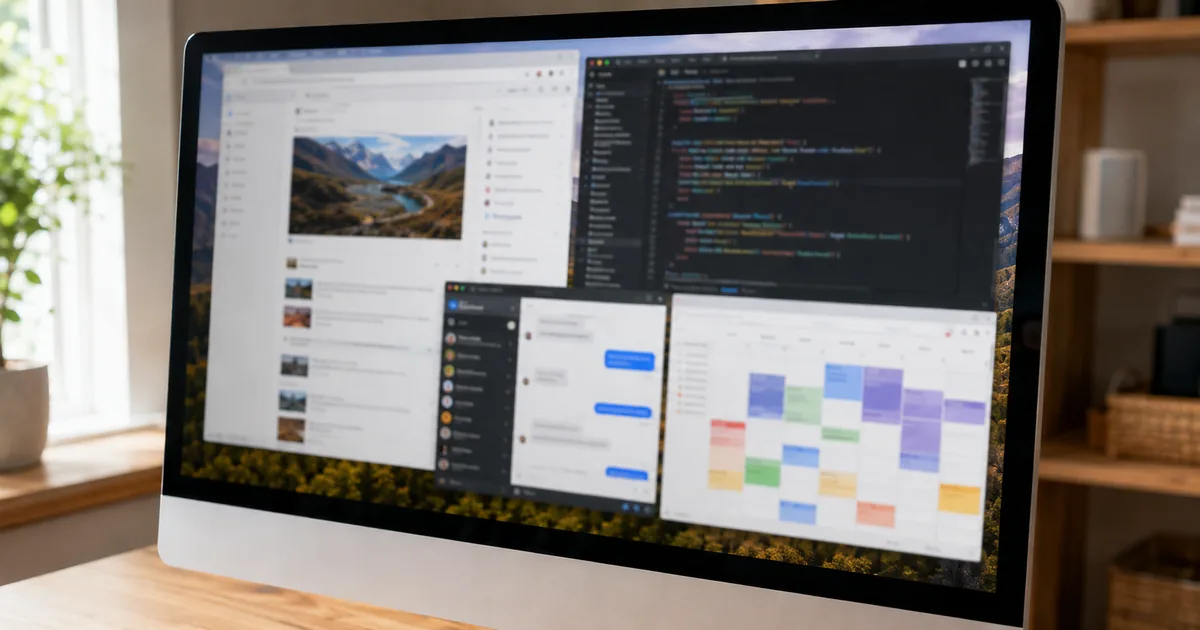
It arrived in the release notes of August 13, 2026. Activity in the apps and websites you select becomes something ChatGPT and Codex (OpenAI's coding assistance) can reference. The aim is to remove the need to re-explain your premises every time you sit down to work. Which app you were using and which site you had open is passed along as context, so you can pick up from there. For the basics of using ChatGPT, see the ChatGPT (GPT-5) guide.
"Computer History is an optional feature in the ChatGPT macOS app that lets ChatGPT and Codex reference selected activity from apps and websites, helping users continue work without re-explaining every detail."(Computer History for macOS section) — from the ChatGPT release notes
Only interaction events are recorded
This is the part people ask about. What is recorded are interaction events; screenshots, screen recordings, microphone input, and system audio are not included. Activity in private browsing is excluded as well. The documentation is explicit that this is not a mechanism that keeps capturing your whole screen.
"It records interaction events—not screenshots, screen recordings, microphone input, or system audio—and private browsing is not included."(same section) — from the ChatGPT release notes
Who can use it
Eligibility and prerequisites
This is not the kind of feature that switches itself on.
Off by default, Pro and above
Computer History is off by default, and it is limited to Pro, Business, and Enterprise users. On business plans it takes two steps: an admin grants access first, and then the member opts in. Without the admin's grant, member-side actions alone will not enable it.
"Computer History is off by default and available to Pro, Business, and Enterprise users. Business and Enterprise admins must grant access before members can opt in."(same section) — from the ChatGPT release notes
Some regions cannot use it
Regional limits are stated as well. It is not currently available in the EEA (European Economic Area), the UK, or Switzerland. OpenAI does not mention a timeline, so when it might become available is not indicated. Organizations with European locations will need to start by checking whether they are in scope.
"Note that Computer History is not currently available in the EEA, UK or Switzerland."(same section) — from the ChatGPT release notes
Managing it yourself
What users can do
Even after enabling it, you can adjust things locally.
Pause, scope, and delete
Users can pause Computer History, choose which apps and sites are included, and inspect or delete recorded timeline items. It is not a choice between handing over everything and using nothing; you can narrow it to the apps you actually work in. Starting with a narrow scope, looking at what the history actually contains, and widening from there is the safe way in.
"Users can pause Computer History, choose included apps and sites, and inspect or delete timeline items."(same section) — from the ChatGPT release notes
When you want to follow release notes on your own machine as markdown with their headings and tables intact, the following tool can help.