PDF Tools
Compress, merge, split, and convert images — handle all your PDF tasks right in the browser. Your files are never uploaded to a server, so your data stays safe.
PDF Tool List
PDF Compressor
Shrink a PDF without uploading it. Compression runs on your own machine.
PDF Merger
Combine several PDFs into one file, in the browser. Drag the pages into the order you want.
PDF Splitter
Pull specific pages out of a PDF, or cut one file into several. Runs locally.
PDF Rotator
Turn sideways or upside-down pages the right way up and save the fix permanently.
PDF Password Tool
Add a password to a PDF, or take one off a file you already have the password for.
PDF to JPG Converter
Turn every page of a PDF into a JPG image, at the resolution you pick. Need PNG instead? There's a separate tool for that.
PDF to WebP Converter
Convert PDF pages to WebP — roughly a third smaller than the same page as a JPG.
PDF to PNG Converter
Convert PDF pages to PNG with no quality loss — the right choice for text, charts, and anything with fine detail.
Extract Images from PDF
Pull the actual photos, charts, and logos out of a PDF at their original resolution — not screenshots of the pages.
Word to PDF Converter
Convert Word (.docx) files to PDF in bulk. Choose whether to merge everything into a single PDF or export one PDF per file.
🔒 sakutto tools run entirely in your browser by default
Your files are generally never uploaded to a server. A few tools require external communication due to CORS constraints or third-party APIs. View Privacy Policy
What you can do with sakutto's free online PDF tools
The sakutto PDF category covers the full lifecycle of PDF work: compress, merge, split, rotate, unlock password-protected files, and convert PDFs to JPG, PNG, or WebP images — even extract embedded images from a PDF. Every tool is free, requires no sign-up, and runs entirely in your browser, so even confidential business documents stay on your device.
Edit PDFs — compress, merge, split, rotate, unlock passwords
pdf-compress dramatically reduces file size, pdf-merge combines multiple PDFs into one, pdf-split breaks a file into pages, pdf-rotate fixes sideways scans, and pdf-password removes passwords from protected PDFs. Meeting decks, contracts, and scanned paperwork can all be prepared in one place.
Convert PDF pages to JPG, PNG, or WebP images
Use pdf-to-jpg, pdf-to-png, or pdf-to-webp to export each PDF page as a high-quality image. Generate thumbnails for presentations, create previews for blog posts, or shrink visuals with WebP — pick the format that matches your use case.
Extract original images embedded inside a PDF
pdf-extract-images downloads the original image assets (logos, diagrams, photos) that were embedded in the PDF, delivered as a single ZIP. This is the right tool when you want the raw artwork rather than a rendered screenshot of the whole page.
How to compress a PDF for free with pdf-compress
Oversized PDFs that bounce email attachments can be slimmed down in a few clicks with pdf-compress. The whole workflow runs in your browser, no upload required.
Drag and drop a PDF to compress it instantly
Open pdf-compress, drop your PDF onto the upload area (or click to browse), and the tool gets to work. The Free plan supports up to 3 files in one batch, so you can shrink multiple documents at once.
Pick a compression level to balance quality and size
Choose between quality-first, balanced, or smallest-size modes. Quality-first keeps visuals crisp while trimming a bit of size, balanced cuts 30–60% for most documents, and smallest-size aggressively compresses scans and image-heavy PDFs to fit email attachment limits.
Merge, split, and rotate PDF pages with sakutto
Page-level operations — combining multiple PDFs into one, extracting specific pages, or fixing the orientation of a scan — are handled by pdf-merge, pdf-split, and pdf-rotate. Each tool is single-purpose and optimized for its job.
- Combine multiple PDFs into one file (pdf-merge)
- pdf-merge lets you drop multiple PDFs, reorder them visually, and export a single merged file. It is the fastest way to bundle meeting materials, contract packages, or monthly reports for distribution.
- Split a PDF by page range or into single pages (pdf-split)
- pdf-split offers two modes: extract a specific page range, or explode the PDF into one file per page. Perfect for pulling a chapter out of a long report or saving each slide as its own file.
- Rotate a sideways PDF back to portrait (pdf-rotate)
- pdf-rotate rotates every page (or just the pages you select) in 90-degree steps. Fix scans that came out sideways, flip upside-down faxes, or reorient landscape exports for printing.
Convert PDF to JPG, PNG, or WebP images
Turning PDFs into images opens up a range of use cases — from SNS posts to web publishing. Choose the format that matches your goal: JPG for photos, PNG for transparency, WebP for lean web delivery.
- PDF to JPG conversion (pdf-to-jpg)
- pdf-to-jpg renders each PDF page as a high-quality JPG image, ideal for presentation thumbnails, SNS snippets, or quick flyer previews. Multi-page PDFs are automatically packaged as a ZIP so you get everything in one download.
- PDF to PNG for transparency, PDF to WebP for smaller files
- Pick pdf-to-png when you need transparent backgrounds for logos or diagrams, and pdf-to-webp for faster web pages. WebP typically delivers 25–35% smaller files than JPG at comparable quality, which is great for Core Web Vitals.
- Extract embedded images from a PDF (pdf-extract-images)
- When you need the raw image assets rather than page renders, pdf-extract-images pulls out every embedded image — logos, photos, diagrams — as original files in a ZIP. Designers and researchers use it to reuse visuals without re-creation.
PDF — Frequently Asked Questions
Are the sakutto PDF tools really free? Do I need to sign up?
Yes, every PDF tool on sakutto — compress, merge, split, rotate, PDF to JPG, and more — is free and requires no sign-up. You don't need to create an account or hand over an email address; just open the tool and start working. The Free plan supports up to 3 files per batch. If you routinely process larger batches, consider upgrading to Pro.
Are my PDF files uploaded to a server? Is it safe for confidential documents?
The core PDF tools — pdf-compress, pdf-merge, pdf-split, pdf-rotate, pdf-to-jpg, pdf-to-png, pdf-to-webp — run entirely client-side in your browser, so your PDF files are never transmitted to a server. That makes them safe for contracts, invoices, medical records, and internal documents. You can even disconnect from the internet after the page loads and the conversion will keep running locally.
Does compressing a PDF reduce image quality? How much smaller does it get?
pdf-compress offers three modes: quality-first, balanced, and smallest-size. Quality-first keeps visuals nearly untouched while shaving 10–30% off the file size. Balanced trims 30–60%, suitable for most email-friendly needs. Smallest-size is aggressive and can reduce PDFs by 60–80%, which works best for image-heavy scans where some softness is acceptable.
How do I merge multiple PDFs into a single file?
Open pdf-merge, drag and drop the PDFs you want to combine, reorder them visually, and click the merge button. The tool outputs a single combined PDF that you can download immediately. It is ideal for bundling meeting materials, contract packages, or monthly reports for distribution.
Can I use sakutto's PDF tools on my iPhone or Android device?
Yes, every PDF tool works on mobile browsers — Safari on iPhone and iPad, Chrome on Android, and any modern browser on desktop. There is no app to install; just open the page and drop your file. It's handy when you need to compress or merge a PDF while you're on the move.
PDF Articles
All articles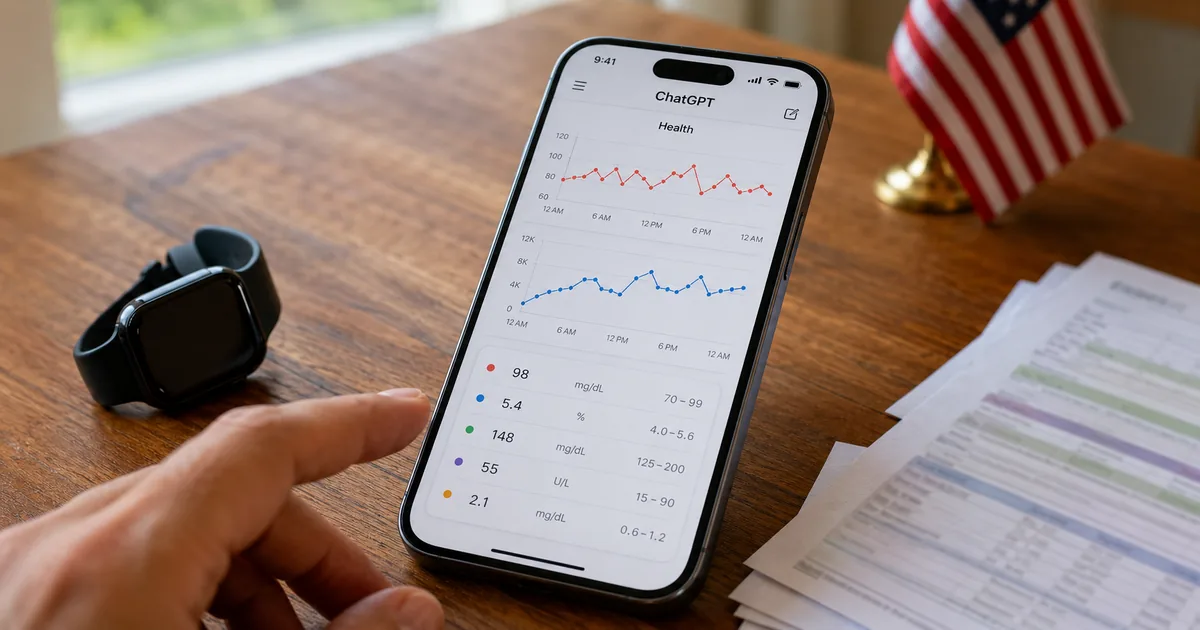
ChatGPT Health Launches in the U.S. with Apple Health Sync
OpenAI has started rolling out Health in ChatGPT in the U.S. This guide covers what data you can connect, what it can do, why it is not used for training or ads, and whether it works outside the U.S., based on OpenAI's announcement.
How to Upload PDFs to ChatGPT: 4 Methods and Tips for Accuracy
A practical guide to uploading PDFs to ChatGPT based on official information. Covers the four ways to add a PDF, free and paid file limits (512MB per file), tips for summaries and extraction, scanned PDFs, troubleshooting, and handling confidential PDFs.
PP-OCRv6: Accuracy, Speed, and How to Use the 50-Language OCR Model
A clear, source-based guide to PaddleOCR's latest PP-OCRv6: how it works, its 50-language unified model, accuracy benchmarks, inference speed, and how to install it with pip.
Business Document Digitization Guide | How to Go Paperless with Free Tools
A complete guide to digitizing business documents and going paperless. Learn how to convert paper to PDF, compress, merge, and split files using free browser-based tools.
File Size Units Explained | KB, MB, GB, TB Conversion Chart
A quick-reference chart for file size units from bytes to terabytes. Includes conversion tables, real-world size examples by file type, email attachment limits, and the Mbps vs MB distinction.
Japanese Tax Return PDF Too Large? How to Compress It for Free
Learn how to compress tax return PDFs for Japan's e-Tax system. Covers the 14 MB file size limit, step-by-step compression instructions, scan settings, and privacy-safe tools.
Browse other tool categories
Find tools by category to match your task.
Popular Reference Charts
Popular reference articles people search for often.