Character Counter
Count characters, words, lines, and bytes in real time. Great for social media posts and reports.
0
Characters
including spaces & line breaks
0
Characters (no spaces)
excluding spaces
0
Lines
including blank lines
0
Paragraphs
separated by blank lines
0
Manuscript pages
400 chars/page
—
Read time
~500 chars/min
0
Words
words
0 / 0
Full / Half width
character count
UTF-8
0 bytes
Shift_JIS (estimate)
0 bytes
UTF-16
0 bytes
SEO character count score
Character type breakdown
Enter text to see character type breakdown
What Is a Character Counter?
A character counter is an online tool that measures character count, word count, line count, and byte size of your text in real time. It's useful for checking character limits on reports, essays, social media posts, and web content — anywhere you work with text.
sakutto.ai's character counter runs entirely in your browser, so your text is never sent to any server. You can safely count characters in confidential documents and personal information without privacy concerns.
Features include simultaneous display of counts with/without spaces, manuscript paper (genkō yōshi) conversion, character type breakdown (hiragana, katakana, kanji, alphanumeric), and more — all free, no sign-up required.
How to Use the Character Counter
- Type or paste your text into the text area
- Character count, line count, byte size, and more are calculated in real time
- Click any value to copy it to your clipboard
Features of sakutto.ai's Character Counter
- Runs entirely in your browser — your text is never sent to any server
- View character counts with or without spaces and line breaks at a glance
- Check byte sizes for UTF-8, Shift-JIS, and UTF-16 all at once
- See how many standard manuscript pages (400 characters each) your text fills
- Breakdown by character type: hiragana, katakana, kanji, letters, numbers, and symbols
- Responsive design that works great on smartphones and tablets
Related Text Tools to Use With the Character Counter
Need to turn your text into a QR code? Try the .
Why Character Counter on sakutto is safe
Many online tools upload your files to external servers for processing. This tool never sends your text data to any server — everything is processed entirely in your browser.
* Some AI-powered tools require server-side processing. Tools that send data to a server will always notify you beforehand.
| Comparison | Typical online tools | sakutto |
|---|---|---|
| Where data is sent | Uploaded to external servers | Nowhere — processed in your browser |
| Data leak risk | Risk during transfer and server storage | No risk — no network transfer occurs |
| External traffic | File data travels over the internet | No file data appears in network logs |
| Offline use | Not possible (server required) | Works offline after initial load |
How browser-based processing works
- WebAssembly (WASM): Processes text data in your browser at near-native speed. No server communication occurs.
- Web Workers: Runs on a background thread separate from the main thread, so your browser stays responsive during processing.
- After processing, your browser automatically frees the data from memory. No text data remains outside your device.
For IT security teams: How to verify
You can verify that sakutto never sends your text data externally by checking the Network tab in your browser's DevTools while using the tool. You'll see that no requests involving your text data are made. This can also serve as documentation for your IT security team.
Frequently Asked Questions About the Character Counter
Is my text sent to a server?
No. All processing happens entirely in your browser, and the text you enter is never transmitted to any external server. You can safely use this tool even with confidential content.
How are full-width and half-width spaces counted?
In the "Characters" field, both full-width and half-width spaces count as one character each. The "Excluding spaces" field shows the count with all spaces removed.
Are line breaks counted as characters?
Yes, line breaks are counted as one character each in the "Characters" field. To see the pure character count, refer to the "Excluding line breaks & spaces" value.
How is the manuscript page count calculated?
It divides the character count (excluding line breaks and spaces) by 400, then rounds up. This gives you an estimate based on the standard 400-character Japanese manuscript page.
Is there a maximum character limit?
There is no hard limit. This tool handles typical documents, blog posts, and even long manuscripts with ease. For extremely large texts, performance may vary depending on your device.
Related Articles
All articles
How Apple Handles AI-Generated Bug Reports: A 180-Day Pause
Apple's security bounty guidelines state that issues found by AI without proper validation are ineligible. Here is what the official text says about the 180-day pause for repeat submissions, permanent removal after more than two pauses, and what happens while you are paused.
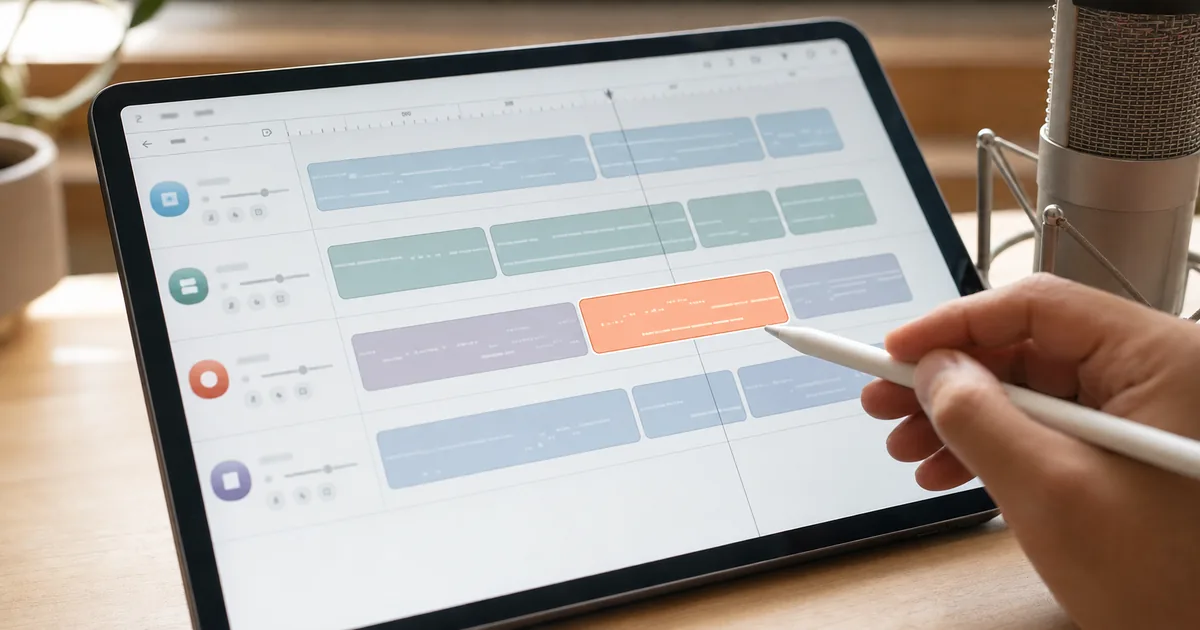
What Is Lyria 3.5? What You Can Do With Google Flow Music's Music Generation AI
Google shipped Lyria 3.5 into Flow Music. Here is what improved in musicality, lyrics, vocals, and creative control, the three-minute maximum length, section-level editing and covers, and the SynthID watermark in every output — all from official material.

Two Settings Tripled the ARC-AGI-3 Score — Model Skill Isn't the Whole Story
OpenAI tripled its ARC-AGI-3 score without changing the model, using two API settings. Here is what was holding the model back and why retained reasoning and compaction worked, from the official write-up.
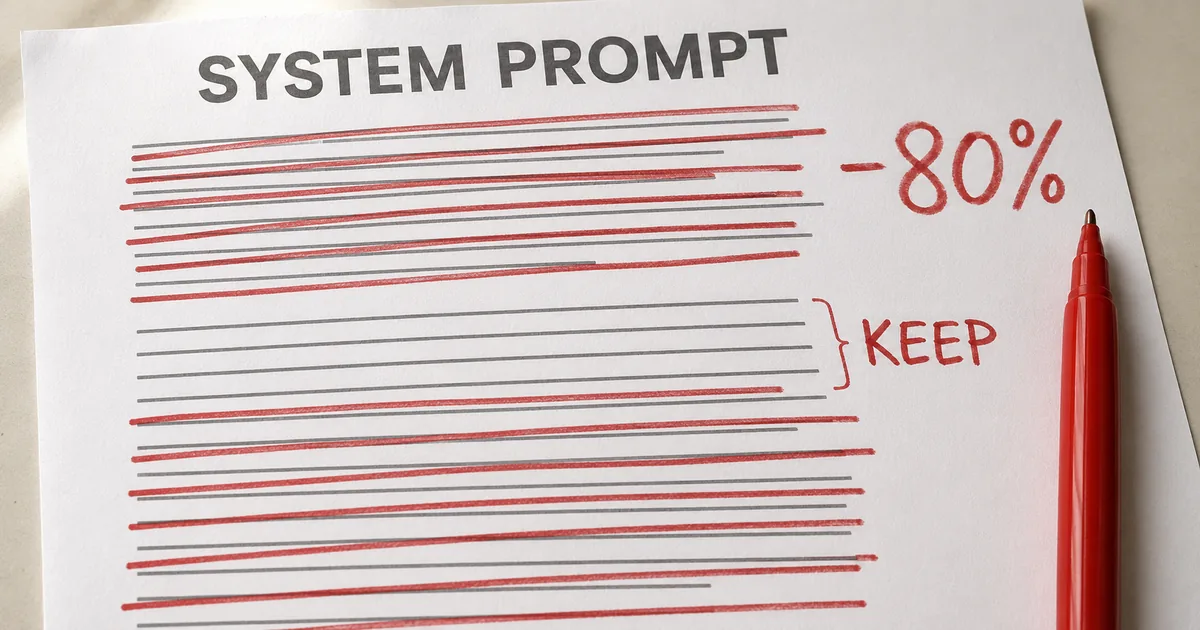
The New Rules of Context Engineering: Cutting 80% of the System Prompt
Anthropic reports removing over 80% of Claude Code's system prompt with no measurable loss. Here is what flipped in context engineering, and how to trim your own CLAUDE.md and skills, from official sources.

When AI Articles Run Under Someone Else's Byline
Press Gazette reported that AI-written articles kept appearing under a laid-off writer's name. Here is what happened, why byline misuse works as a business model, and what writers, readers, and publishers can each do about it.
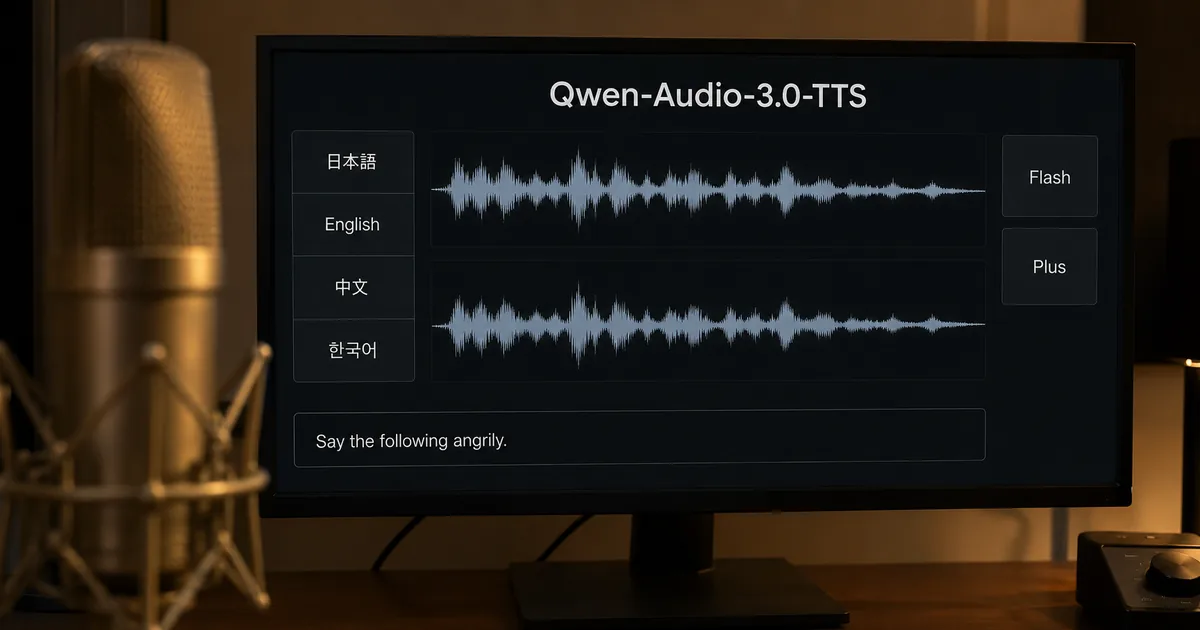
What Is Qwen-Audio-3.0-TTS? A 16-Language Voice Cloning Model
What Qwen-Audio-3.0-TTS is, covering its 16-language support, the difference between Flash and Plus, natural-language style control, voice cloning quality, and the caveats, all from Tongyi Lab's official materials.
Related Tools
Text Tool List →Fullwidth / Halfwidth Converter
Convert between fullwidth and halfwidth characters. Also supports katakana-hiragana conversion for data cleanup.
TextJSON Formatter & Validator
Pretty-print or minify JSON data. Catch syntax errors instantly with line numbers and tree view.
TextText Diff Checker
Compare two texts side by side and highlight every difference. Character-level detection with merge support.
TextJapanese Era Converter
Convert between Western calendar years and Japanese era names (Reiwa, Heisei, Showa). Includes age calculator.
TextPassword Generator
Generate strong, random passwords instantly. Customize length, character types, and check strength.
TextWorld Clock
See the live current time in major cities worldwide at once, to the second. Add, reorder and remove cities, with automatic DST. Great for checking time differences.
Browse other tool categories
Find tools by category to match your task.
Popular Reference Charts
Popular reference articles people search for often.