PDF Merger
Combine several PDFs into one file, in the browser. Drag the pages into the order you want.
Drop PDF files here
or
Supported formats: .pdf — multiple files supported
Merging PDFs Without Handing Them Over
Combining files is the most ordinary thing you can do to a PDF, and it's the one most likely to involve documents you'd rather not upload: a signed contract plus its appendix, a set of invoices for an expense claim, scans of a passport and a bank statement for an application.
This merger opens the files with your browser's own PDF engine and writes the combined document locally. No server sees the contents, because no server receives them. That also means merging is instant once the files are loaded — there's no round trip to wait on.
Drag the files into the order you want before you merge, and check the previews if the filenames aren't telling you enough. Pages are copied across untouched, so the output is byte-for-byte as sharp as the inputs.
Merging Your Files
- Drop in the PDFs you want joined together
- Drag them into order, or nudge them with the arrow buttons
- Click Start Merge
- Download the combined file
Why Use This One
- Runs in the browser — your documents are never transmitted
- Reorder by dragging, the way you'd expect to
- Pages are copied, not re-encoded, so nothing degrades
- Works on a phone as well as a laptop
- Free, with no account and no watermark
Why PDF Merger on sakutto is safe
Many online tools upload your files to external servers for processing. This tool never sends your PDF files to any server — everything is processed entirely in your browser.
* Some AI-powered tools require server-side processing. Tools that send data to a server will always notify you beforehand.
| Comparison | Typical online tools | sakutto |
|---|---|---|
| Where data is sent | Uploaded to external servers | Nowhere — processed in your browser |
| Data leak risk | Risk during transfer and server storage | No risk — no network transfer occurs |
| External traffic | File data travels over the internet | No file data appears in network logs |
| Offline use | Not possible (server required) | Works offline after initial load |
How browser-based processing works
- WebAssembly (WASM): Processes PDF files in your browser at near-native speed. No server communication occurs.
- Web Workers: Runs on a background thread separate from the main thread, so your browser stays responsive during processing.
- After processing, your browser automatically frees the data from memory. No PDF files remains outside your device.
For IT security teams: How to verify
You can verify that sakutto never sends your PDF files externally by checking the Network tab in your browser's DevTools while using the tool. You'll see that no requests involving your PDF files are made. This can also serve as documentation for your IT security team.
Common Questions
Are my documents uploaded?
No. Everything happens inside the browser tab. Your files are never sent to us, which is the short answer to whether we could ever look at them.
Is there a limit on how many files I can merge?
Five files per merge on the free tier. If you need more, merge in stages — the output of one merge can be an input to the next.
Does merging reduce quality?
No. Pages are copied across as they are. Text stays text, images keep their original resolution, and embedded fonts come along unchanged.
Can I change the order after adding the files?
Yes, right up until you merge. Drag a file to a new position, or use the up and down arrows if you prefer clicking.
What about password-protected PDFs?
Those need unlocking first. Take the password off with our PDF password tool, then merge the unlocked copy.
Related Articles
All articles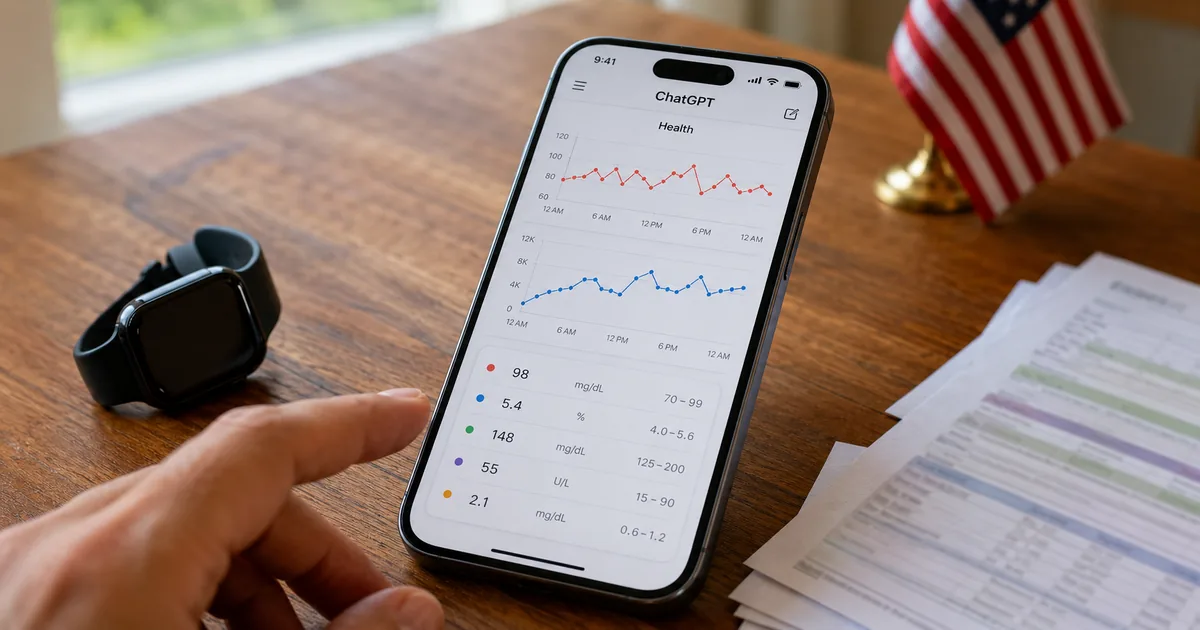
ChatGPT Health Launches in the U.S. with Apple Health Sync
OpenAI has started rolling out Health in ChatGPT in the U.S. This guide covers what data you can connect, what it can do, why it is not used for training or ads, and whether it works outside the U.S., based on OpenAI's announcement.
How to Upload PDFs to ChatGPT: 4 Methods and Tips for Accuracy
A practical guide to uploading PDFs to ChatGPT based on official information. Covers the four ways to add a PDF, free and paid file limits (512MB per file), tips for summaries and extraction, scanned PDFs, troubleshooting, and handling confidential PDFs.
Business Document Digitization Guide | How to Go Paperless with Free Tools
A complete guide to digitizing business documents and going paperless. Learn how to convert paper to PDF, compress, merge, and split files using free browser-based tools.
Japanese Tax Return PDF Too Large? How to Compress It for Free
Learn how to compress tax return PDFs for Japan's e-Tax system. Covers the 14 MB file size limit, step-by-step compression instructions, scan settings, and privacy-safe tools.
How to Fill Out & Submit Year-End Tax Adjustment PDFs in Japan
A step-by-step guide to downloading, editing, and submitting nenmatsu-chosei (year-end tax adjustment) PDF forms in Japan. Covers font sizing, password protection, and compression — all with free online tools.
What Is a PDF? Complete Guide to Editing, Converting & Compressing
Everything you need to know about PDF files — from basics to practical operations like compressing, merging, splitting, and converting. A beginner-friendly guide to working with PDFs.
Related Tools
PDF Tool List →PDF Compressor
Shrink a PDF without uploading it. Compression runs on your own machine.
PDFPDF Splitter
Pull specific pages out of a PDF, or cut one file into several. Runs locally.
PDFPDF Rotator
Turn sideways or upside-down pages the right way up and save the fix permanently.
PDFPDF Password Tool
Add a password to a PDF, or take one off a file you already have the password for.
PDFPDF to JPG Converter
Turn every page of a PDF into a JPG image, at the resolution you pick. Need PNG instead? There's a separate tool for that.
PDFPDF to WebP Converter
Convert PDF pages to WebP — roughly a third smaller than the same page as a JPG.
PDFPDF to PNG Converter
Convert PDF pages to PNG with no quality loss — the right choice for text, charts, and anything with fine detail.
PDFExtract Images from PDF
Pull the actual photos, charts, and logos out of a PDF at their original resolution — not screenshots of the pages.
PDFWord to PDF Converter
Convert Word (.docx) files to PDF in bulk. Choose whether to merge everything into a single PDF or export one PDF per file.
Browse other tool categories
Find tools by category to match your task.
Popular Reference Charts
Popular reference articles people search for often.