Types of generative AI and how to choose
Main types of generative AI and representative services
Generative AI is technology that creates new text, images, audio, or program code in response to your instructions (prompts). What each service does best varies, so before comparing them, it helps to decide what you actually want to make. That alone narrows the field considerably.
What generative AI can do
At the center of generative AI are the text-based chat services. They answer questions, write and summarize text, help with research, and write code, all in a single window. ChatGPT and Gemini, the tools most people picture when they hear "generative AI," belong to this text and chat category. Services that create images, video, or music are provided separately, as dedicated tools.
Handling text, images, and audio together (this is called being multimodal) has become common, and a single service can now often generate both text and images. Even so, for serious image, video, or music work, a tool built for that purpose has the edge in finish and fine control.
The five types (text, image, video, audio, code)
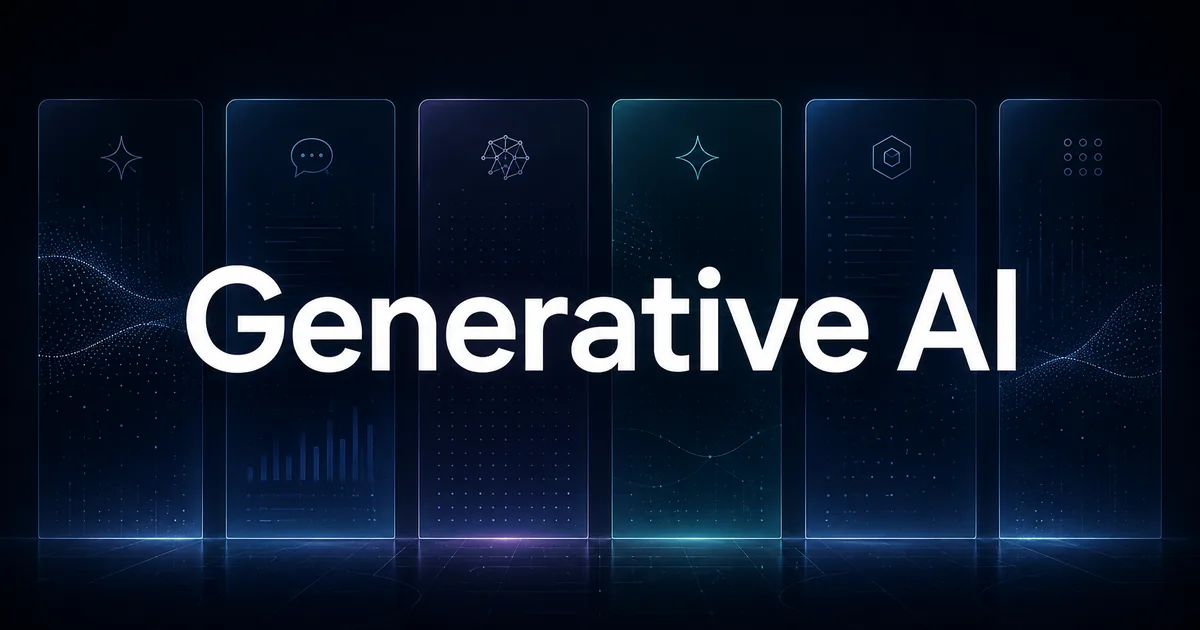
Generative AI is grouped by what it produces. As the figure above shows, there are five types: text (chat), image, video, audio and music, and code.
- Text / chat: The most widely used area. It covers research, writing, summarizing, translation, and programming help.
- Image: Creates illustrations or photo-like images from text. Available as dedicated services and as a feature inside chat AIs.
- Video: Creates short videos from text or images. Still developing, but moving fast.
- Audio / music: Used for reading text aloud (speech synthesis) and for creating songs with lyrics.
- Code: Developer tools that write and fix program code.
This article focuses on the text and chat services that most people need first, and covers dedicated image and video tools later as use-case recommendations.
How to choose (price, language, ease of use)
You can size up any generative AI with the points below. Price and everyday usability tend to matter most once you use a tool daily.
- Price: How far the free plan goes, and how much the paid plans cost per month.
- Language support: How natural the responses feel in your language. The major services all score highly.
- What it does best: Research, long documents, coding, image creation, and so on.
- Integration: Whether it works alongside Google or Microsoft services.
- Security and data handling: Whether your input is used for training, and whether you can turn that off.
Comparing the major generative AI services
One-line positioning of the major generative AI services
There are six main text and chat services. Here is the overall picture in a single table; the finer differences in price and features come after it.
| Service | Provider | Free plan | Individual paid (per month) | Best at | Language |
|---|---|---|---|---|---|
| ChatGPT | OpenAI | Yes | From $8 | Broad tasks, images, voice | High |
| Claude | Anthropic | Yes | From $20 | Long text, coding | High |
| Gemini | Yes | From $4.99 | Google integration, long text | High | |
| Microsoft Copilot | Microsoft | Yes | From $9.99 | Office document creation | High |
| Perplexity | Perplexity | Yes | From $20 | Research with sources | High |
| Grok | xAI | Yes | Paid (X-linked) | Real-time information | High |
All six start free and handle major languages well. The differences show up in what they do best and in how they price their plans. Below, they are grouped into two sets of three by character.
ChatGPT, Claude, and Gemini (the text and chat mainstays)
ChatGPT is the most widely used chat AI. Because it handles everything from writing to research to image and voice generation in one place, it is an easy first choice. Even the free plan gives you unlimited text chat with GPT-5.6 Luna, with limits on uploads and image generation. For the bigger picture, see our ChatGPT (GPT-5) guide.
Claude, from Anthropic, is a chat AI known for handling long documents, coding, and honest answers that avoid unsupported claims. It is especially easy to work with for long tasks, such as reading a contract or report and pulling out the key points. See our Claude (claude.ai) guide for more.
Gemini, from Google, stands out for working alongside Google services like Gmail and Google Docs. It is free to start with models such as 3.6 Flash, and Google AI Plus raises your usage to twice the free level.
Google AI Plus $4.99 / month Get 2x higher usage limits than Free — from the subscription plan descriptions (locale-specific display)View official source →
Microsoft Copilot, Perplexity, and Grok (integration and search)
Microsoft Copilot is an AI you can use directly inside everyday Office documents in Word, Excel, PowerPoint, and Outlook. There is a free chat, but Copilot is at its best inside the Microsoft 365 plans, where it helps you draft documents and analyze data on the spot. The standalone "Copilot Pro" is no longer sold on its own and has been folded into Microsoft 365 Premium.
Copilot Pro is no longer available for purchase; existing subscribers can continue using it until they cancel or support ends on August 1, 2026. — from the note on Copilot Pro's discontinuationView official source →
Perplexity is an AI built for research. Its answers come with sources (citations), which makes them easy to verify. On the paid Pro plan you can switch across several AI models, such as Sonar 2, Claude Sonnet 5, and Gemini 3.7 Flash. It suits anyone who wants to use several of the latest models within a single service.
Sonar 2 / GPT-5.6 Terra / Gemini 3.7 Flash / Claude Sonnet 5 / Kimi K3 / GLM 5.2 — from the model cards shown under the section on answering with multiple AI modelsView official source →
Grok, from xAI, is a chat AI strong on real-time information from X (formerly Twitter) and the web. It is free to try, and upgrading to SuperGrok raises your usage limits. X Premium+ subscribers can use Grok as well. See our Grok 4 guide for the details.
Free to try on the web and in the apps. Upgrade to SuperGrok for higher limits and multi-agent reasoning. — from the description of how Grok is offeredView official source →
Generative AI pricing (free, paid, and API)
Monthly price of major individual plans priced in USD (as of July 2026)
Pricing is what most people searching for "generative AI pricing" want to see. This section splits it into three parts: how far the free plans go, what the paid plans cost, and API usage pricing for developers.
How far the free plans go
All six major services have a free plan, and for everyday research or quick writing, the free tier is genuinely enough. ChatGPT's free version gives you unlimited text chat with GPT-5.6 Luna, and Gemini is free with models like 3.6 Flash. Perplexity offers unlimited basic search, and Grok can be tried on the web and in its apps.
The usual free-plan limits are on the number of messages, on how often you can use the top models, and on image generation. The moment to consider a paid plan is when you notice you use it heavily every day, want higher accuracy from the top models, or keep hitting the usage limits.
Paid plans (individual, per month)
Paid plans run from a few dollars a month up to $100–$200 a month for heavy users. Here is a quick reference of what each service offers free and paid.
| Service | Free tier | Main individual paid plans (per month) |
|---|---|---|
| ChatGPT | Unlimited text chat with GPT-5.6 Luna | Go $8 / Plus $20 / Pro $100–$200 |
| Claude | Standard model with limits | Pro $20 (annual $17) / Max from $100 |
| Gemini | 3.6 Flash and 3.1 Pro (limited) | AI Plus $4.99 / AI Pro $19.99 / AI Ultra $99.99+ |
| Microsoft Copilot | Web chat and image creation | 365 Personal $9.99 / Premium $19.99 |
| Perplexity | Unlimited basic search | Pro $20 (annual $17) / Max $200 (annual $167) |
| Grok | Free on web and apps | SuperGrok (paid; also via X Premium+) |
The standard paid plans cluster around $20 per month, with ChatGPT Plus at $20 and Google AI Pro at $19.99. If you want to start cheaper, entry plans like Google AI Plus ($4.99) and ChatGPT Go ($8) are available. ChatGPT's US pricing is listed on the official pricing page.
$17 Per month with annual subscription discount ($200 billed up front). $20 if billed monthly. ... From $100 Per month ... Choose 5x or 20x more usage than Pro — from the Pro and Max price and usage descriptionsView official source →
The heavier plans step up in price: ChatGPT Pro runs from $100 to $200 per month, Google AI Ultra starts at $99.99, and Perplexity Max is $200 per month (or $167 billed annually). For hobby or everyday use, an affordable plan is plenty; the higher tiers make sense only when you work with a tool all day or handle large volumes of long documents.
$99.99 / month: 5x higher usage limits vs. AI Pro — from the Google AI Ultra price display (locale-specific display)View official source →
API and usage-based pricing (for developers)
This last part covers the API (a way to use the service from your own program) for building generative AI into your own apps. If you only use the chat interface, you can skip it.
API pricing is not a flat monthly fee but usage-based, charged by the amount you use. The unit is the "token," a small chunk of text, and both input and output are billed by token count. Even within the same company, the per-token rate changes with the model's generation and capability, so choosing the right model for the job directly affects cost. For how the per-model rates differ and how to keep costs down, see our Claude Opus pricing comparison.
Recommended generative AI by use case
Recommendations by use case (a rough guide when unsure)
With the comparison in hand, here is the "which one should I actually pick" answer, broken down by how you work. Some of it depends on your situation, so the cases below cover the common ones.
Writing, research, and everyday use
As a first tool, the free version of ChatGPT is the easiest choice. It handles writing, research, and image generation in one place, so there is little to trip over. If you rely on Google's services, the free Gemini is just as strong a candidate. Try the free plans first, and when you outgrow them, step up to ChatGPT Plus or Google AI Pro.
If you do a lot of research and want to verify sources, Perplexity, which attaches citations to its answers, is a good fit. If you want to follow breaking news or trends on X (formerly Twitter), Grok, with its strength in real-time information, is an option.
Business and productivity
If your work centers on Word and Excel documents, Microsoft 365 (with Copilot) is the shortest path. You can call the AI right inside the Office apps you already use, so it cuts the effort of drafting documents and crunching data directly.
For reading long contracts or reports and pulling out the key points, Claude, with its strength in long text, fits well. When you hand a long document to an AI, converting it to Markdown first (a clean, structured text format) preserves the headings and tables and improves accuracy.
Text and files you enter are processed within your environment and are not sent to sakutto's servers, so you can format confidential material with peace of mind.
Image, video, audio, and code
When you want to create something other than text, dedicated services come into play. A chat AI's built-in features can make simple images, but a purpose-built tool has the edge in finish and fine control.
- Image: Midjourney and Adobe Firefly are the standards for illustrations and photo-like images. For something quick, the image features in ChatGPT or Gemini are often enough.
- Video: Runway creates short videos from text or images, and Google Veo (Flow) is included in Gemini plans. Note that OpenAI's Sora, once well known for video, discontinued its consumer service in 2026.
- Audio / music: ElevenLabs for reading text aloud, and Suno for creating songs with lyrics.
- Code: GitHub Copilot, Cursor, and the chat AI Claude are all commonly used.
The Sora web and app experiences were discontinued on April 26, 2026. — from the note on when Sora was discontinuedView official source →
Which generative AI to pick, by case
Finally, here is the conclusion by case. If you are picking just one, start with the free ChatGPT for its breadth; you are unlikely to go wrong. From there, add Microsoft 365 if Office work is central, Perplexity if you do source-heavy research, and Claude if you handle long documents or code, matching the tool to the work you do most.
What matters more than committing to a single tool is trying two or three within their free tiers and finding the one that fits your work. Generative AI changes its pricing and features month to month, so it is worth checking each service's official page for the latest plans before you subscribe.
Compare generative AI and pick what fits you
Generative AI lines up major services such as ChatGPT, Claude, Gemini, Microsoft Copilot, Perplexity, and Grok, and every one of them can be tried for free. On price, Google AI Plus is the most affordable at $4.99 per month, standard paid plans sit around $20, and heavier tiers reach $100–$200, as of July 2026.
The conclusion is simple. Start with the free ChatGPT or Gemini to get a feel for it, then add Copilot for Office work, Perplexity for source-heavy research, or Claude for long text and coding. Follow that order and you can settle on the generative AI that fits how you work, without wasting money. When you need images, video, or music, you can reach for a dedicated tool at that point.