What happens on September 4, 2026
Google announced the end of Google Assistant on phones through a pinned post in its official community, under the name of a community manager on the Gemini Apps team. As of September 4, 2026, most users will no longer be able to use Google Assistant on a phone or tablet, or switch back to it from Gemini.
The qualifier not to skip over is "most users". Google does not say everyone loses it on the same day. Devices that do not meet Gemini's minimum requirements stay on Google Assistant for now — Google says so in a footnote to its blog post.
Affected users are being emailed the details. If you think you might be one, the inbox is the fastest place to check.
UPDATE: Because Google Assistant on your mobile device is being discontinued, Gemini—our next-generation AI-powered assistant—is now the assistant experience on Android. / On Sept. 4th, 2026 most users will no longer be able to use or switch back to Google Assistant on your phone or tablet. / We have sent an email with more details to users whose mobile device or peripheral will be impacted. — From the passages on the discontinuation itself, the date and the "most users" qualifier, and the individual notification of affected users
later this year, the classic Google Assistant will no longer be accessible on most mobile devices … / For those who have a mobile device that doesn't meet the minimum system requirements to run Gemini, Google Assistant functionality will not change at this time. — From the statement on ending availability on mobile devices, and the footnote covering devices that do not meet the minimum system requirements
Which devices are affected and which are not
"Google Assistant is ending" conjures an image of everything in the house going quiet. What is actually in scope is phones and tablets, plus whatever hangs off them. Separating the two saves you from preparing for the wrong thing.
After September 4, by device
The dividing line is whether it goes through the phone. Devices that work by pairing with a phone come along; devices with Google Assistant built into them stay. That is why Google lists Android Auto vehicles among the affected and cars among the unaffected — the same "car" falls on opposite sides depending on the route.
When Gemini becomes the assistant on your mobile device, it will also be the assistant on peripherals that are paired with your mobile device, like watches running Wear OS, headphones or earbuds compatible with Gemini, vehicles running Android Auto. — From the passage on which peripherals switch over when the phone moves to Gemini
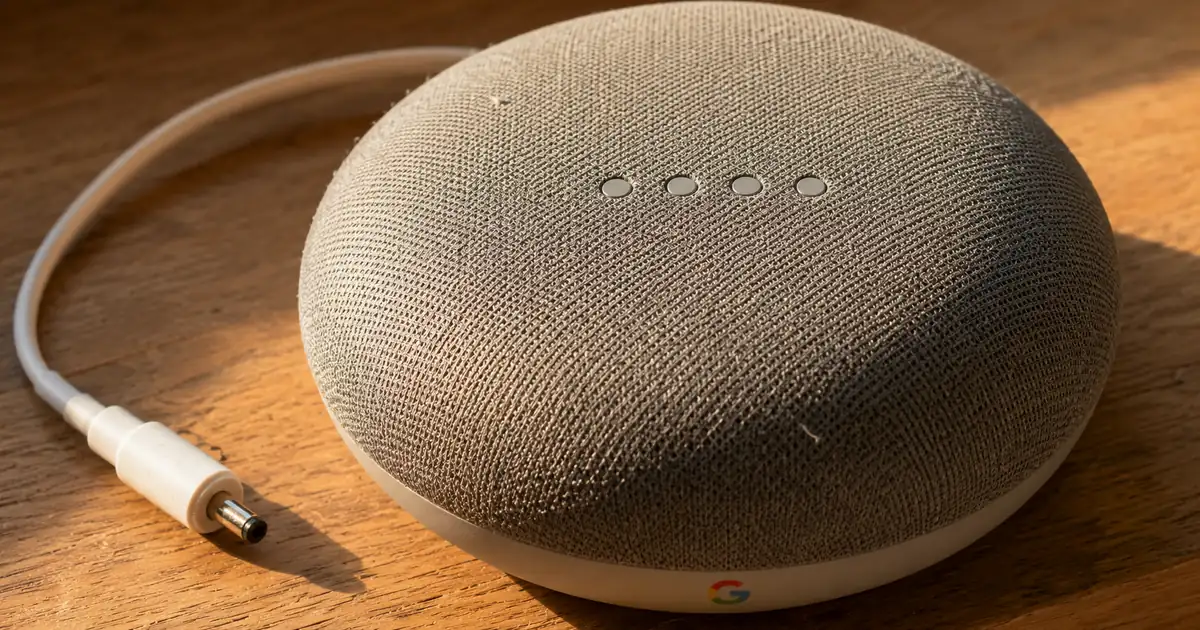
Other devices with Google Assistant built-in — such as Smart Displays, smart speakers, TVs, cars, and Pixel Tablets — will continue to be directly powered by Google Assistant. — From the statement that non-mobile devices with Google Assistant built in continue to run on Google Assistant
Four things to check before moving to Gemini
There is not much to do. But after September 4 there is no going back, so do the checking early.
Pre-switch checklist
Step 4 is the one most easily missed. With a work or school Google account, some features are unavailable, including ones that were built on Google Assistant such as quick voice actions. If voice control is part of how you work, decide on the alternative before September 4.
The same applies on the parental side. For accounts managed through Family Link, a parent can turn off access to Gemini Apps for users under 13 — the age varies by country. If a child's device is set up with a voice assistant, look at what survives the switch first.
When you speak to it, the microphone stays open for up to five minutes. On a device shared with family, mentioning that behaviour in advance saves confusion.
Important: To use Gemini as your mobile assistant, make sure the Google app is set as your device's default assist app. / Activate by touch, which differs by device. / Press and hold the power button. / Touch and hold Home. / Swipe up from the bottom corner of your screen. / To use "Hey Google" to chat with Gemini on your phone or tablet, set up Voice Match. / "Hey Google" is not available in all languages, but you can still chat with Gemini with your voice when you tap Microphone . / If you have access to Gemini Apps with a work or school account, some Gemini mobile app features aren't available. This includes features that are powered by Google Assistant, such quick voice action features. / If you manage a Google Account with Family Link, you can turn off access to Gemini Apps for users under 13 (or the applicable age in your country) in Google Family Link settings. / The microphone stays open for up to 5 minutes to listen to your prompt. — From the passages on the default assist app requirement, touch activation methods, the need for Voice Match and its language limits, the work/school account and Family Link restrictions, and how long the microphone stays open
Why Gemini is replacing Google Assistant
Google Assistant launched in 2016, when natural language processing and voice recognition unlocked a more natural way to get help from Google — that is Google's own framing of it. Nearly a decade on, the company positions generative AI as the next shift in how people interact with technology, and has rebuilt the assistant experience with AI at its core.
This is a change of foundation, not a removal of capability. Google says it has been adding frequently requested features to the Gemini app, such as playing music, setting timers and taking action from the lock screen. If you want to know what the destination can do before you get there, our guide to using Gemini is the place to start. The same foundation is spreading beyond the phone, as with Gemini Spark on the desktop.
When we launched Google Assistant in 2016, natural language processing and voice recognition technology unlocked a more natural way to get help from Google. / Nearly a decade later, we're in the midst of another platform shift / this time, generative AI is transforming the way we interact with technology. / we've reimagined the experience with AI at its core / We've updated the app to support more of the most requested features / such as playing music, setting timers, or taking action from your lock screen. — From the passages on when Google Assistant launched and what it represented, the platform shift a decade later, the rebuild with AI at its core, and the requested features added to the Gemini app
One thing to do before September 4
The date is September 4, 2026, the scope is phones, tablets and paired devices, and standalone devices are out of scope. Those three points are enough.
That leaves essentially one task: confirm that the way you actually use the assistant still works under Gemini, before the switch becomes irreversible. Work-account devices and devices configured for children are where features go missing. Realising it after September 4 does not help — the route back to Google Assistant on the phone will be gone.
What becomes possible afterwards can be followed through Google's model releases. Spending a few minutes with our guide to using Gemini beforehand means you will not be working it out on the day.