What AI wine label scanning can do
Register wine one bottle at a time by hand and the fields keep coming: producer, vintage, region. It turns tedious before you reach ten bottles. AI label scanning fills those fields from a single photo. Start with what actually gets entered, and how far it goes.
The shape of this section
The fields a photo fills
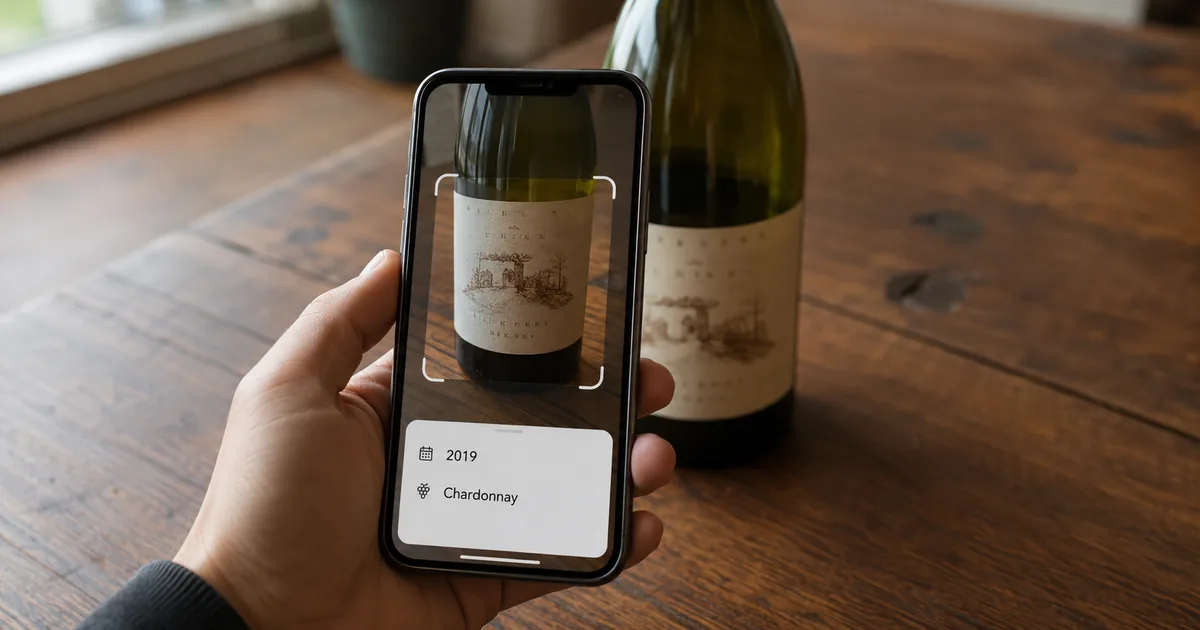
Consumer wine inventory apps fill roughly four fields from one label. With Shelvin, brand, vintage, country of origin, and type are identified automatically and registration finishes in seconds. The "type" captured here means red, white, sparkling, and so on, and it becomes the basis for counting bottles by type later.
The difference against manual entry shows up less in the field count than in the typing. The work of spelling out French and Italian producer names on a keyboard disappears entirely. The more you register at once, the more that tells.
Easy wine registration: simply photograph the wine label and the cloud automatically identifies the brand, vintage, country of origin, and type, completing registration in seconds.
Easy wine registration: simply photograph the wine label and the cloud automatically identifies the brand, vintage, country of origin, and type, completing registration in seconds. — From the app feature description
Professional services split down to parcel and classification
Move to professional use and the fields multiply. winecode, a wine management service for restaurants, is designed to recognize label information split into country, region, village, parcel, classification, producer, grape, and vintage. Within the same Burgundy, holding village and parcel separately means a sorted list falls into the hierarchy of the vineyards themselves.
A personal collection rarely needs that. But the granularity you choose is hard to change later. If the purpose is building a restaurant wine list, picking a service that already splits finely avoids rework.
Just photograph the label with a camera and AI fills in everything down to the wine name, region, and producer.
Just photograph the label with a camera and AI fills in everything down to the wine name, region, and producer. — From the description of AI auto-entry (label recognition)
It divides label information into "country of production / region / village / parcel / classification / producer / grape / vintage" — From "Automatic label recognition" under "New feature details"
Some services even generate tasting notes
The direction is also expanding toward writing the next passage from what was read. On October 22, 2024, winecode announced automatic tasting-note generation alongside label recognition. The feature starts from the premise that writing from scratch is a burden: AI prepares a draft and a person corrects it.
Opinions divide here. A description of taste is, by nature, the writer's own perception. Treat it as a starting draft, or replace it with your own words. It depends on why you are keeping the record at all.
Writing a tasting note from scratch is a high hurdle
Writing a tasting note from scratch is a high hurdle — From the background to the automatic tasting-note generation feature
Where AI label recognition loses accuracy
AI scanning is not universal. Gather the failure conditions from each company's official descriptions and one appears everywhere: the state of the label. And the way they describe their response reveals what the process is doing.
Conditions that reduce accuracy, and how each company describes them
Labels that are cut off or soiled
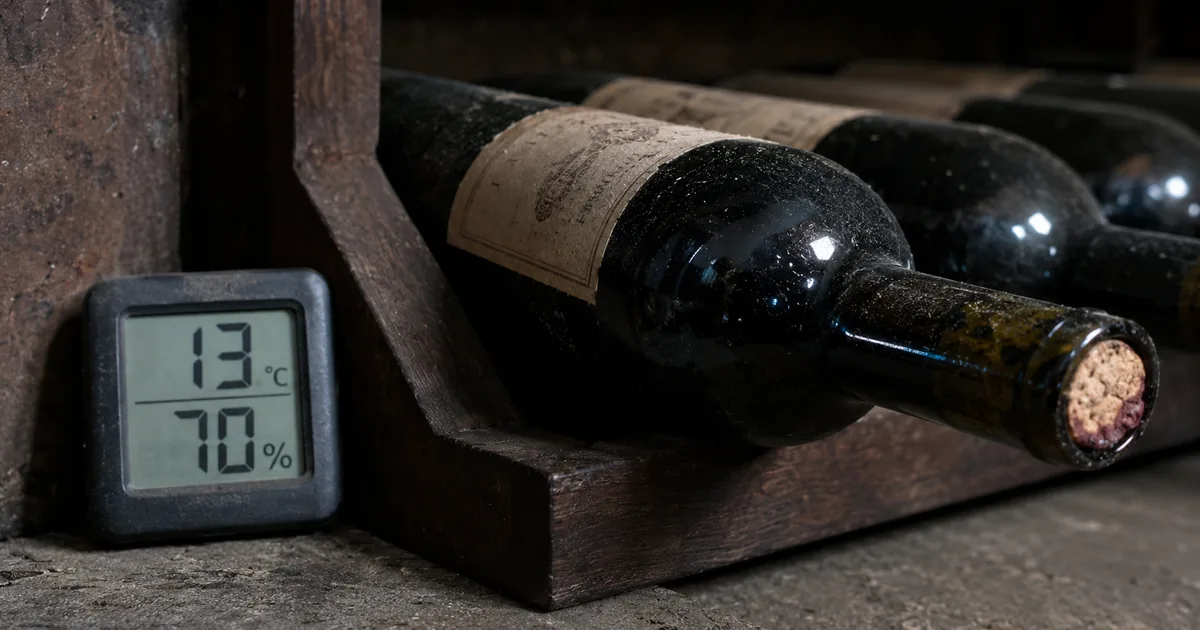
Bottles cellared for years get labels that ripple with humidity or peel in places. Services themselves acknowledge this state as the hard case. In its May 30, 2024 announcement, Wine Scan stated that accuracy could drop when labels were cut off or soiled, and explained that it had solved this with a proprietary algorithm. The announcement showed recognition examples on genuinely damaged labels, including a 1967 Romanée-Conti.
The awkward part is the combination. Older bottles have more damaged labels, and older bottles also cost more when you mix them up.
Recognition accuracy could drop when a wine label was partially cut off or soiled, but by developing a proprietary algorithm using the latest AI technology, we have solved these problems.
Recognition accuracy could drop when a wine label was partially cut off or soiled, but by developing a proprietary algorithm using the latest AI technology, we have solved these problems. — On accuracy improvements to the AI label recognition feature
What "inference" actually means here
This is the fork in how you treat AI label recognition. winecode states officially that even when a label is damaged or cut off, high-accuracy reading is possible "because generative AI infers." That is honest writing. It does not blur what the process does.
AI scanning is not copying the characters it can see. It is filling in what it cannot. The filled-in result is right often, but not always. Where older image-to-text technology (OCR) would leave a blank because it could not read the characters, generative AI puts in a plausible value. A blank you notice; a filled field you do not.
What should worry you is not low accuracy but errors that arrive wearing the face of a plausible value.
Even when a label is damaged or partially cut off, generative AI infers the content, making high-accuracy reading possible.
Even when a label is damaged or partially cut off, generative AI infers the content, making high-accuracy reading possible. — From the description of the automatic label recognition feature
Scanning has a usage ceiling
What you hit in practice before accuracy is the usage limit. Shelvin's label scanning runs to twice a week on the free plan and 50 times a month on Premium. Try to import your collection in one go and the twice-a-week limit stops you first. Keep going and the free tier caps out at 16 bottles in total.
Shelvin scan limits by plan
Whether you want to register in bulk or add a bottle at a time as you buy decides which allowance you need. If you buy a few bottles a month and stay within 16 in total, the free tier works. Once you reach the stage of importing an existing collection in one go, a paid plan is the realistic choice.
Label scanning (up to 2 per week)
Up to 16 bottles/Label scanning (up to 2 per week)/Label scanning (up to 50 per month)/Premium ¥500 / month/Unlimited bottles — The first two are Free plan entries under "Pricing," the remaining three are Premium
What to settle before using it at work or in a shared setting
On your own, you fix mistakes when you notice them. In a restaurant or on a team you cannot. A wrong value stays shared, so the way you work needs deciding up front.
Three points when sharing is the premise
Narrow the post-registration check to one field
Verifying every field consumes the time AI just saved. The realistic approach is to pick the single field that hurts most when wrong and compare only that against the bottle.
For wine, that is vintage. A wrong producer is obvious on sight, but 2018 and 2019 are indistinguishable in a list. Both the drinking-window judgment and the valuation change with the year. A slightly misspelled producer name does little harm, while a year off by one makes it a different bottle to handle.
Decide to glance at the year on the bottle before closing the registration screen and the extra work runs to a few seconds each. How to think about drinking windows by vintage is covered in "When Is Wine Ready to Drink? How Aging Works and How to Decide to Drink or Cellar."
Check whether edits leave a record
When several people touch the same data, you get the incident where "the value I just fixed is back." winecode manages wine by group, is designed so every invited staff member can access the same data in real time, and states that changes are recorded automatically as a chronological history.
If your workflow has people correcting AI output, whether those corrections persist is part of the feature set. Without a history, you cannot tell afterward whether a mistake was corrected or a correction was overwritten.
All changes are automatically recorded as a chronological history.
Wine is managed by group, and multiple staff can operate it simultaneously./All changes are automatically recorded as a chronological history. — From the explanation of sharing among staff
Tie scanning to shelf position
AI scanning solves the registration effort only; where that bottle is right now is separate information. A list of 100 bottles registered by photo still does not say which tier of the cellar holds the one you want.
Faster registration means more bottles. More bottles turn search time into the problem. Unless you plan scanning speed and position recording together, you end up fast on one side only. How to hold coordinates when managing in Excel is covered in "Wine Inventory in Excel: Column Design and Where It Breaks."
Connecting AI scanning to inventory management
AI label scanning is a component that shortens input; on its own it is not inventory management. It works in practice only when the scanned information connects to position and sharing.
Combine it with position records
Shelvin, a wine inventory app, adds to automatic identification by photo the ability to register several cellars and keep a visual record of which wine sits on which tier of which shelf. Enter the shelf position in the same flow as the photo and the future searching is handled at the same time.
For the breakdown, you can view the total you own along with the composition by type and region as charts. Skewed toward red. One region climbing steadily. Trends like these register faster from a chart than from chasing numbers.
Inventory reports: view the total number of wines you own, along with the breakdown by type (red, white, sparkling, and so on) and by region, visually through charts and similar features.
Inventory reports: view the total number of wines you own, along with the breakdown by type (red, white, sparkling, and so on) and by region, visually through charts and similar features./Cellar registration and storage location records: register multiple cellars and visually record which wines are located on which shelf (row/tier). — The first passage covers the inventory report feature, the second cellar registration and storage location records
Cellar position management — From the Free plan entries under "Pricing"
Share with family or restaurant staff
Registered cellar information is shared by showing the other person a QR code. At home that means family; in a restaurant it means floor staff seeing the same stock. For restaurants, the official site also lists sharing stock across all employees in real time. Note, though, that on the pricing table team sharing sits on the Premium side.
The more people you share with, the more the "check right after registration" and "history" points above start to matter. Differences in sharing features between apps are summarized in "Best Wine Inventory Apps Compared: Which Ones Track Shelf Position."
QR code invitations: simply show the other person a dedicated QR code and they can register easily and share wine cellar information.
QR code invitations: simply show the other person a dedicated QR code and they can register easily and share wine cellar information. — From the sharing and invitation feature description
Team and store sharing: share stock in real time across all shop employees. Grasp back-of-house stock smartly even while serving customers./Premium ¥500 / month Team sharing — The first is from "Main features," the second from the Premium entries under "Pricing"
Summary
AI wine label scanning fills the entry fields from a single photo. Shelvin lands brand, vintage, country of origin, and type in seconds, and the professional service winecode splits data down to parcel and classification. Skipping the typing of French and Italian producer names tells most when you register in bulk.
Read the official descriptions, though, and this process is not copying characters. winecode states that generative AI infers on damaged labels, and Wine Scan named accuracy loss from cut-off and soiled labels as an issue before announcing its response. Errors arrive not as blanks but as plausible values. Decide to compare only the vintage against the bottle before closing the registration screen and a few seconds per bottle prevents it.
If several people use it, whether edits leave a record is worth checking too. And the faster scanning gets, the more bottles accumulate, which turns search time into the next problem. Plan scanning, position, and sharing together and you avoid being fast on one side only.
To try photo registration and shelf-position records together, starting from Shelvin (App Store), whose free tier already includes position management, lets you see for yourself how much fills in automatically.