What Vivino Is: Ratings From a Label Photo
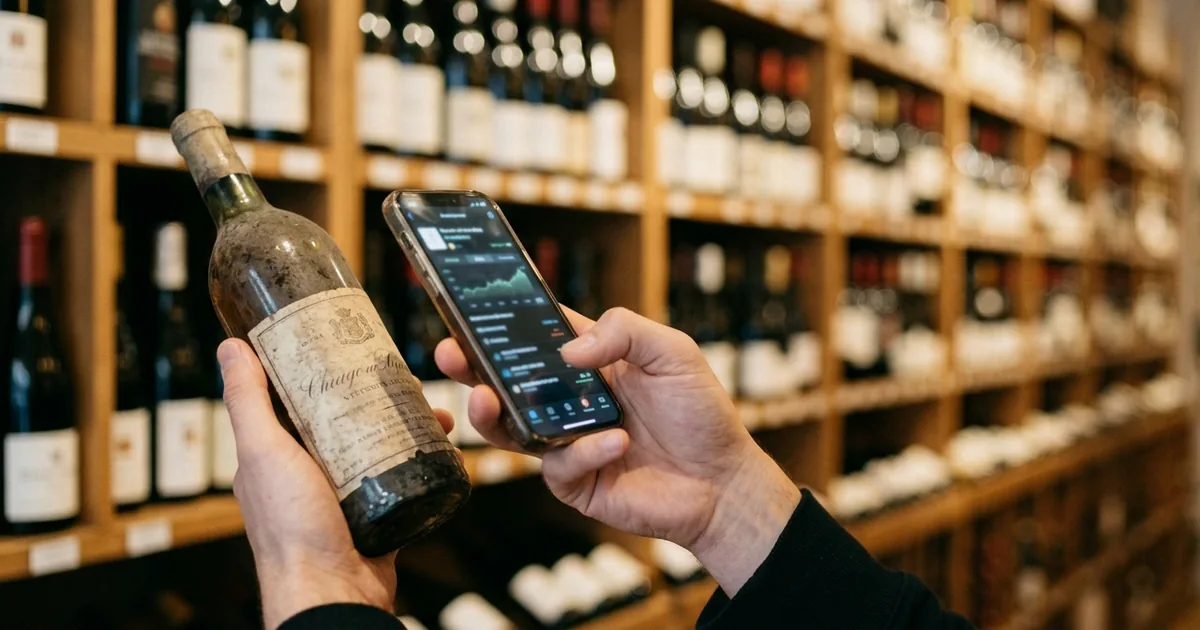
Vivino shows you a wine's information and other users' ratings simply by pointing your camera at the label. Its appeal is that it puts something to decide with in your hands while you are standing in front of the bottle.
The big picture of this section
A wine community running since 2010
Vivino began in 2010, and its data grew as users accumulated label photos and ratings. The App Store description states the scale this way.
Join over 70 million wine lovers who use Vivino to scan labels, track their tastes with ratings, and buy wines directly in the app.
Vivino helps you discover, choose, and buy the right wine. Join over 70 million wine lovers who use Vivino to scan labels, track their tastes with ratings, and buy wines directly in the app. — From the opening of the app description
The coverage is described as ratings and reviews across 16 million wines, 245,000 wineries, and more than 500 shoppable merchants. Figures differ between Vivino's own pages depending on when each was last updated, so it is safer to read any number together with which page and when it was stated.
Ratings are collective experience, not critic scores
What kind of number a Vivino rating is matters more than the number itself. The official description frames it as learning from other drinkers rather than from professional reviewers.
Learn from 70 million wine lovers who share real reviews, photos, and insights
Learn from 70 million wine lovers who share real reviews, photos, and insights — From the community section of the app description
Holding the premise that these are everyday impressions rather than expert scoring cuts down on misreading them. Price bands that people drink regularly carry thick data, while wines with limited distribution never settle into a stable number.
Widely localized, with a broad free tier
The App Store Languages field lists more than a dozen languages.
English and 13 more
Languages: English and 13 more Age Rating: 18+ Seller: Vivino ApS — From the app information table
The app itself is free, and both label scanning and reading ratings work without paying. Vivino Premium is offered as an in-app subscription, listed at several price points. Which of those are monthly and which are annual cannot be determined from the store listing alone.
How to Use Vivino: Four Steps
Using it is simple, with almost nothing to memorize. Below is the flow both for the shop floor and for keeping records at home.
The flow for using Vivino
Scanning the label to pull up information
Open the app, point the camera, and frame the whole label. Once recognized, the wine name, region, grape, average price, and a five-point rating appear.
Snap a photo of any wine label to unlock ratings, reviews, tasting notes, and food pairings
Snap a photo of any wine label to unlock ratings, reviews, tasting notes, and food pairings — From the label scanner section of the app description
When recognition fails, retaking the photo without glare on the label, or searching by name, usually gets you there.
How to read the numbers on screen
Of the numbers on the screen, the one that helps most is not the rating but the number of ratings. A 4.0 backed by several thousand ratings and a 4.5 backed by ten carry very different weight.
Price is likewise an average across markets. It is common for it to differ from what a local shop charges, so use it to confirm roughly which price band a wine sits in rather than as a target price.
Leaving a record of what you drank
Leaving a star and a comment after drinking builds up a picture of what you like, and the app's suggestions move closer to your taste as that history grows. The act of recording is itself the mechanism that improves the next choice.
Reading a restaurant wine list
Among the Premium benefits, Vivino offers a wine list scanner that photographs a restaurant's list and shows ratings for the wines on it, so you can compare the options in front of you without knowing any of the producers.
What the Cellar Can and Cannot Do
Vivino has a "cellar" for registering the wines you own. This is the part most easily confused with an inventory app, so it is worth checking the boundaries against official descriptions.
The scope of the cellar feature
What it can do
Vivino's official article on the cellar feature describes it this way.
Track it – Update quantities, add tasting notes, and keep personal reminders.
It’s not just a digital shelf for your wine bottles – it’s your personal wine inventory management tool, helping you keep track of what you own, when to drink it, and how to make the most of your wine collection. — From the positioning of the cellar feature
The filters the official article lists are region, grape, vintage, and food pairing.
Sip smarter – Easily find the right bottle with filters for:
Sip smarter – Easily find the right bottle with filters for: Region – Pick the perfect wine from your favorite areas. Grape – Zero in on the varietals you love most. Vintage – Choose by year to match your taste or the occasion. Food pairing – Discover bottles that pair beautifully with your meal. — From the list of filters inside the cellar
For picking what to open tonight from what you already own, these filters do the job directly.
No documented feature for recording shelf position
What is missing from the official descriptions is the physical question of which tier of which shelf a bottle sits on. The organizing axes named are region, grape, vintage, and food pairing in the cellar article, and quantity, vintage, and drinking status in the App Store description.
Add bottles to your cellar to keep track of what you own and when to drink them. Sort by quantity, vintage, or drinking status to manage your collection over time
Add bottles to your cellar to keep track of what you own and when to drink them. Sort by quantity, vintage, or drinking status to manage your collection over time — From the cellar tracking section of the app description
Vivino's Premium benefits do use the phrase "cellar location," as seen on its Japanese premium page, quoted here in the original.
セラーのアップグレード / セラーの場所、セラーの総資産価値、それぞれのワインの最適な飲み頃といった詳細なデータを活用して、ワインコレクションを思いのままに管理しましょう。
セラーのアップグレード / セラーの場所、セラーの総資産価値、それぞれのワインの最適な飲み頃といった詳細なデータを活用して、ワインコレクションを思いのままに管理しましょう。 — From the description of Premium benefits ("cellar location, total cellar value, and the optimal drinking window for each wine")
What "cellar location" refers to is not defined anywhere public. Whether it distinguishes between separate storage sites, such as home versus an offsite locker, or reaches down to a shelf row cannot be determined from published information. The accurate statement is that official sources support neither a yes nor a no on shelf-position recording.
A ratings app and shelf-position management serve different jobs
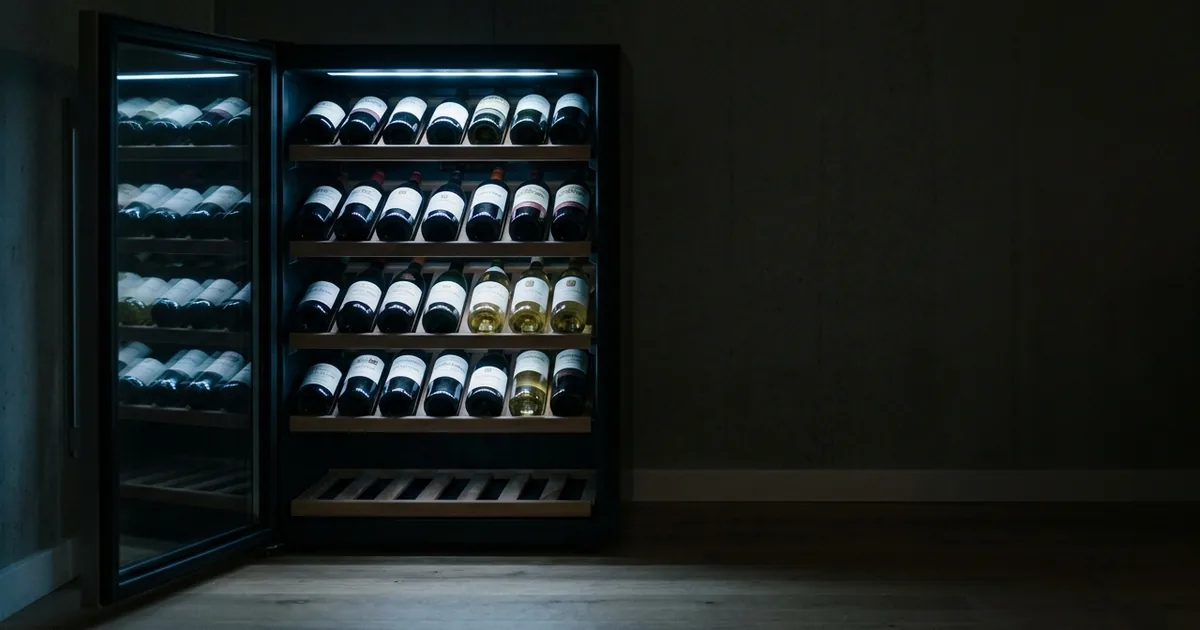
Taken together, Vivino is strong at the moment of judging whether a bottle suits you, which is before buying and before opening. Finding which shelf holds the one bottle among forty that is about to pass its window is a different problem, and it needs a different design.
Some apps state position recording explicitly.
Register multiple cellars and visually record which wines are located on which shelf (row/tier).
Register multiple cellars and visually record which wines are located on which shelf (row/tier). — From the graphical cellar management description
Using Vivino to look up ratings and a position-capable app for where a bottle sits inside the cellar is the practical split.
Buying wine through the app
Vivino also sells wine, with the app describing more than 500 shoppable merchants. The important detail is that Vivino is the marketplace rather than the seller, so payment methods and delivery terms vary by merchant, and availability depends on which merchants ship to your region.
Summary
Vivino earns its place by letting you see other drinkers' verdicts from a single label photo. Because those ratings are collective everyday impressions rather than critic scoring, checking the number of ratings protects you better than reading the score alone. It is widely localized, and the free tier is more than enough for decisions on the shop floor.
The cellar will hold your quantities, tasting notes, and drinking status, and it filters by region, grape, vintage, and food pairing. What no official description covers is recording a shelf row or tier. Using Vivino for the decision before buying, and a position-capable app for where a bottle sits in the cellar, lets each do what it is built for.
If you want shelf-position management with a free tier that already includes it, Shelvin (App Store) is a candidate. Differences between apps are covered in "Best Wine Inventory Apps Compared: Which Ones Track Shelf Position," and for the thinking behind drinking windows, see "When Is Wine Ready to Drink? How Aging Works and How to Decide to Drink or Cellar."