Wine Apps Divide Into Five Types by Purpose
What makes choosing a wine app hard is not that the feature differences are subtle. It is that products built for entirely different purposes all sit under the same label.
The big picture of this section
"Looking up ratings" and "keeping your own record" are different apps
Most wine app roundups sort into journaling and learning. That split puts an app for reading other people's ratings in the same box as an app for recording what you drank.
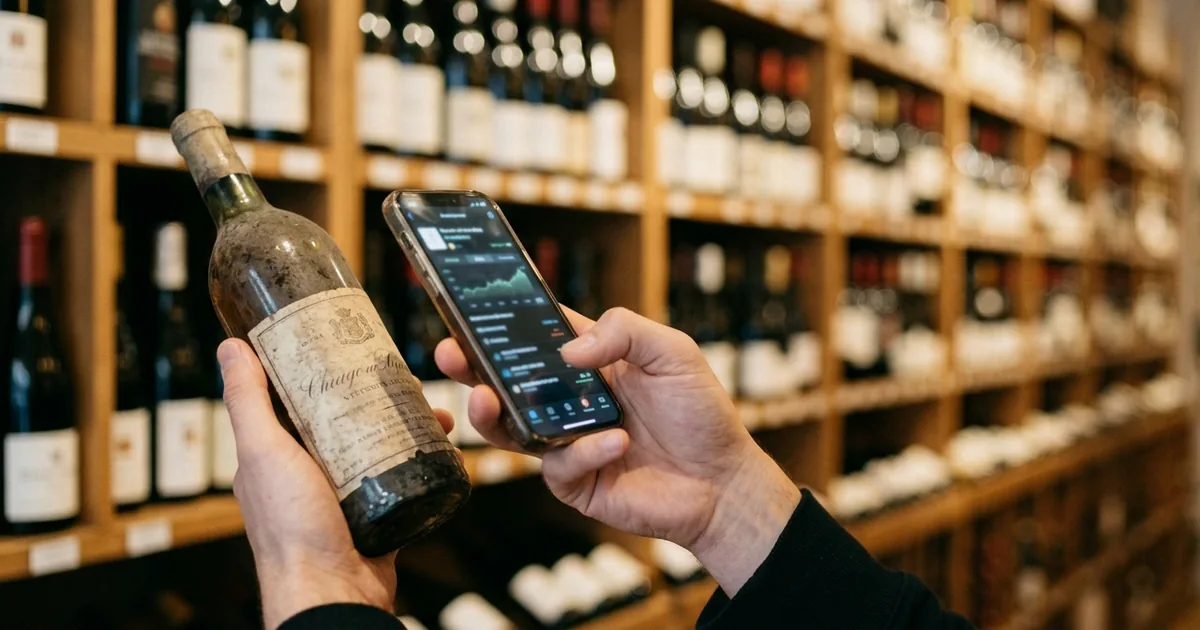
The two are used at completely different moments. The first is while you are holding a bottle in a shop; the second is after you finish it. Decide which moment is giving you trouble and the candidate list narrows immediately.
The five types
Quick reference for the five types
| Type | When it is used | Representative apps | Price | Japanese |
|---|---|---|---|---|
| Ratings and reviews | Before buying or ordering | Vivino | Free + in-app purchases | Yes |
| Drinking journal | After drinking | Wine Diary / Wine Collection Lite | Free | Yes |
| Inventory and shelf position | Tracking what you own | Shelvin / CellarTracker | Free tier available | Shelvin yes / CellarTracker no |
| Learning and certification | While studying | VINOLET / Wine iQ | Free tier / paid app | Yes |
| Buying and price comparison | Deciding where to buy | Wine-Searcher | Free + in-app purchases | No |
Working out which type you need
If you are unsure, recall the last time this actually caused you trouble. Hesitating over which bottle to buy in a shop points to the ratings type; failing to recall the name of a wine you enjoyed points to the journal type; not finding a bottle you were sure you owned points to the inventory type.
Recommended Wine Apps by Purpose
Here are representative apps for each type, alongside their official information.
Apps covered in this section
Looking up ratings and reviews: Vivino
Photograph a label and the wine's rating and reviews appear. It is the standard choice when you want to judge whether a bottle in front of you is a good buy.
Vivino helps you discover, choose, and buy the right wine.
Vivino helps you discover, choose, and buy the right wine. Join over 70 million wine lovers who use Vivino to scan labels, track their tastes with ratings, and buy wines directly in the app. — From the opening of the app description
The app is free, with an in-app subscription called Vivino Premium. It is available in English, Japanese, and a dozen more languages, on both iOS and Android. It suits anyone who wants to go from checking a rating to buying without leaving one app. How to use it is covered in detail in "How to Use Vivino: Reading Ratings and What the Cellar Does."
Keeping a drinking journal: Wine Diary / Wine Collection Lite
This type records a bottle you drank, with your impressions and photos, as your own history. The subject is your record rather than other people's ratings.
Wine Diary is free and available in Japanese. Wine Collection Lite positions itself around tasting notes.
A tasting note that is easy to use for wine enthusiasts and beginners alike iPhone only
A tasting note that is easy to use for wine enthusiasts and beginners alike iPhone only — From the subtitle and the compatibility field
Wine Collection Lite explicitly states "iPhone only" in its compatibility field. If you use Android, it is worth checking availability first, because journaling apps built for the Japanese market are limited there.
Tracking inventory and shelf position: Shelvin / CellarTracker
This type keeps track of how many bottles you own and where they are. It matters after buying rather than before.
Shelvin supports English and Japanese, and records which tier of which shelf a bottle sits on.
Register multiple cellars and visually record which wines are located on which shelf (row/tier).
Register multiple cellars and visually record which wines are located on which shelf (row/tier). — From the graphical cellar management description
CellarTracker has more than twenty years behind it and is free with no bottle limit, though its interface is English only. The inventory type does not overlap with the other types, so running it alongside a ratings app or a journaling app is not redundant. Comparisons are in "Best Wine Inventory Apps Compared: Which Ones Track Shelf Position," and CellarTracker specifically in "How to Use CellarTracker: Languages, Pricing, and the Free Tier."
Learning and certification: VINOLET / Wine iQ
This type is for building knowledge or preparing for a certification. It does not record the wine you own.
VINOLET focuses on the Japan Sommelier Association's Sommelier and Wine Expert exams.
Sommelier and Wine Expert exam preparation. Chosen by 12,000 people. The definitive preparation for the first and second stages.
Sommelier and Wine Expert exam preparation. Chosen by 12,000 people. The definitive preparation for the first and second stages. — From the site headline
You can start as a free member, with paid courses for the first-stage exam and beyond. Wine iQ tests knowledge in a quiz format, and it is a paid app.
Buying and price comparison: Wine-Searcher
This type finds where a given bottle can be bought and at what price, comparing merchants worldwide.
Find, compare and buy wines using the world’s #1 wine resource.
Find, compare and buy wines using the world’s #1 wine resource. The Wine-Searcher app is a genius shortcut to your favorite wines, beers and spirits – wherever you are on earth. Just scan the label and find a wealth of info on 8 million wine offers from 55,000 merchants. — From the opening of the app description
The app itself is free, with an in-app subscription called Wine-Searcher PRO. It does not support Japanese.
Three Traps to Check Before You Choose
Three things commonly differ from what roundup articles say. All three can be confirmed on the store listing.
Three things to verify
Apps listed as free are sometimes paid
Wine app roundups frequently put "free" in the heading, yet paid apps appear in the list. Wine iQ, the quiz app, is paid, and Wine Vintages, for checking vintage charts, is paid as well.
¥500 · In-App Purchases
¥500 · In-App Purchases — From the price line at the top of the page
Since the store page shows the price before you install, judging from a roundup's "free" label alone is the riskier path.
Some apps do not support your language
Language support is visible in the Languages row of the App Store information table. Wine-Searcher's does not list Japanese.
Italian, Spanish, German, French, English
Italian, Spanish, German, French, English — From the "Languages" row of the app information table
CellarTracker is the same, listing English only. The confusing part is that a Google Play description can appear translated in some regions. That translation covers the store's marketing copy, not the app's screens.
Even long-standing apps shut down
Vinica, recommended for years as a Japanese wine journaling app, has already ended service.
Vinica (website and mobile app) ended service on 31 October 2025.
Vinica (website and mobile app) ended service on 31 October 2025. — From the official announcement
Several roundups still present it as a current option, so when you see a name, confirm it is actually distributed on the store. No official successor has been announced.
Summary
Wine apps divide into five purposes: looking up ratings, keeping a drinking journal, tracking inventory and shelf position, studying, and comparing prices. Choosing by which situation last gave you trouble, rather than by which app has the most features, is what makes an app stick after you install it.
Three things are worth verifying before choosing: price, language support, and whether the app is still running. Roundups labeled "free" include paid apps, some apps such as Wine-Searcher and CellarTracker do not support Japanese, and long-recommended apps such as Vinica have already shut down. All three can be confirmed on the App Store price and Languages fields in a moment.
If your collection has grown to the point where you cannot say what is where, the inventory type is the fit. Starting from Shelvin (App Store), which records shelf position and includes position management on its free tier, makes the difference from a ratings app easy to see.